

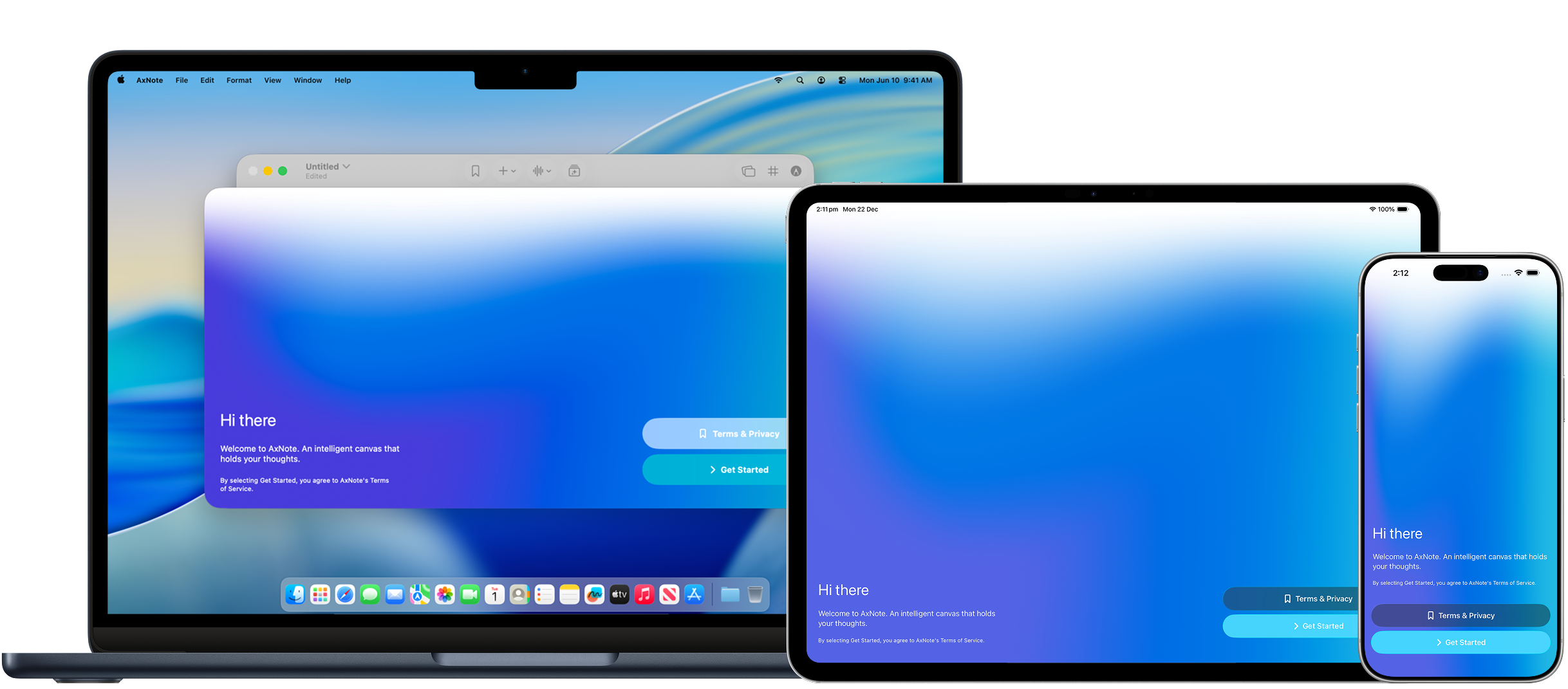
Getting started
Make the most out of the intelligent canvas.Drawing
Use Apple Pencil or your finger to draw, drag and drop objects onto the canvas
Magic Summary
Use AI to create summary cards from your notes and audio recordings
Flashcard Export
Go from AxNote to Anki in a few taps
PDF & Image Export
Turn your canvas into a PDF document or image
Tables & Charts
Add data tables and charts alongside your ink, images, and text
Legal
Read AxNote’s Terms of Service and Privacy Policy.Terms of Service
Last updated: 23 December 2025
Privacy Policy
Last updated: 23 December 2025