> ## Documentation Index
> Fetch the complete documentation index at: https://support.animantlabs.com/llms.txt
> Use this file to discover all available pages before exploring further.
# Animant Help
> Search for a topic or browse guides below.
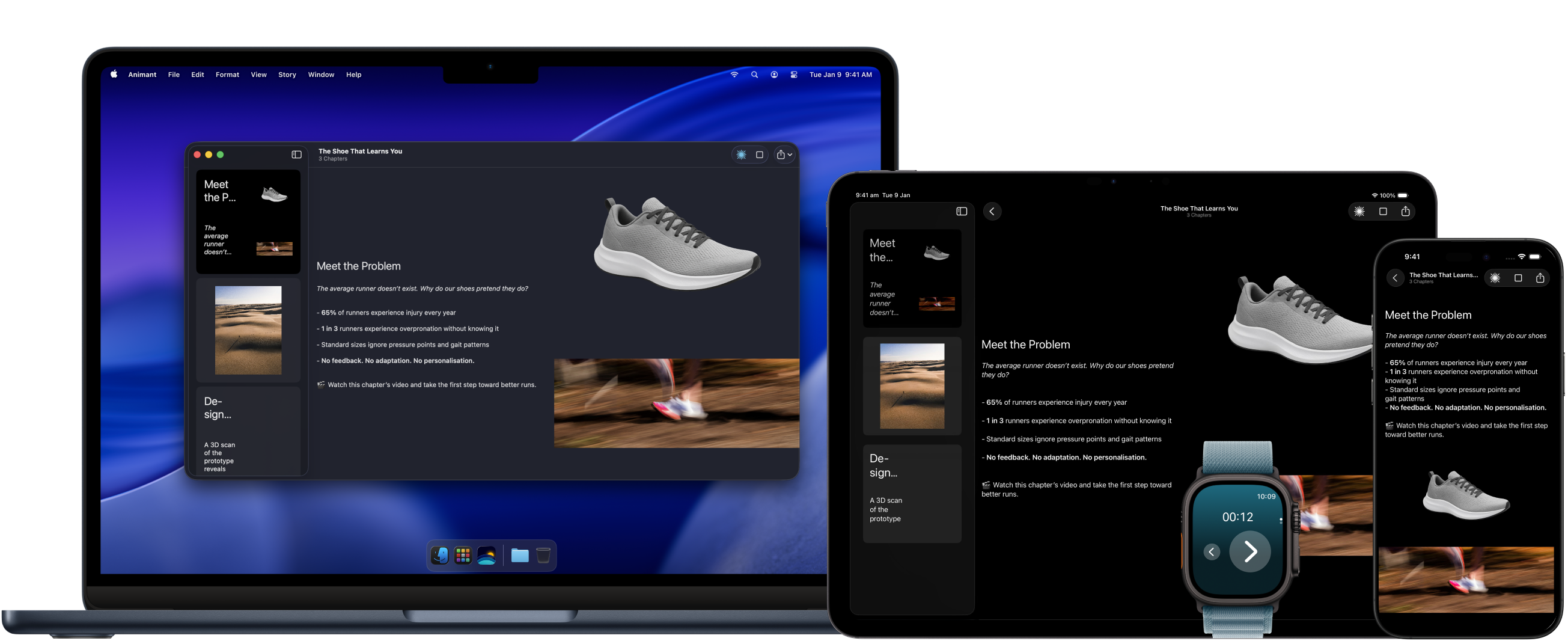 ## Setting up
Get your presentation up and running in minutes.
Follow our three step quickstart guide.
## Create beautiful presentations
Everything you need to create world-class immersive presentations.
Use Markdown to style your chapters.
Use AI to create chapter summaries and 3D model effects.
Bring physical objects into your presentation.
## Go global
Harness the power of Animant Cloud to publish your 3D experiences online.
## Need inspiration?
Select Guides in the Gallery to explore all of Animant's features.
## Legal
Read Animant's Terms of Service and Privacy Policy.
Last updated: 17 October 2025
Last updated: 17 October 2025
## Setting up
Get your presentation up and running in minutes.
Follow our three step quickstart guide.
## Create beautiful presentations
Everything you need to create world-class immersive presentations.
Use Markdown to style your chapters.
Use AI to create chapter summaries and 3D model effects.
Bring physical objects into your presentation.
## Go global
Harness the power of Animant Cloud to publish your 3D experiences online.
## Need inspiration?
Select Guides in the Gallery to explore all of Animant's features.
## Legal
Read Animant's Terms of Service and Privacy Policy.
Last updated: 17 October 2025
Last updated: 17 October 2025