> ## Documentation Index
> Fetch the complete documentation index at: https://support.animantlabs.com/llms.txt
> Use this file to discover all available pages before exploring further.
# AxNote Help
> Search for a topic or browse guides below.
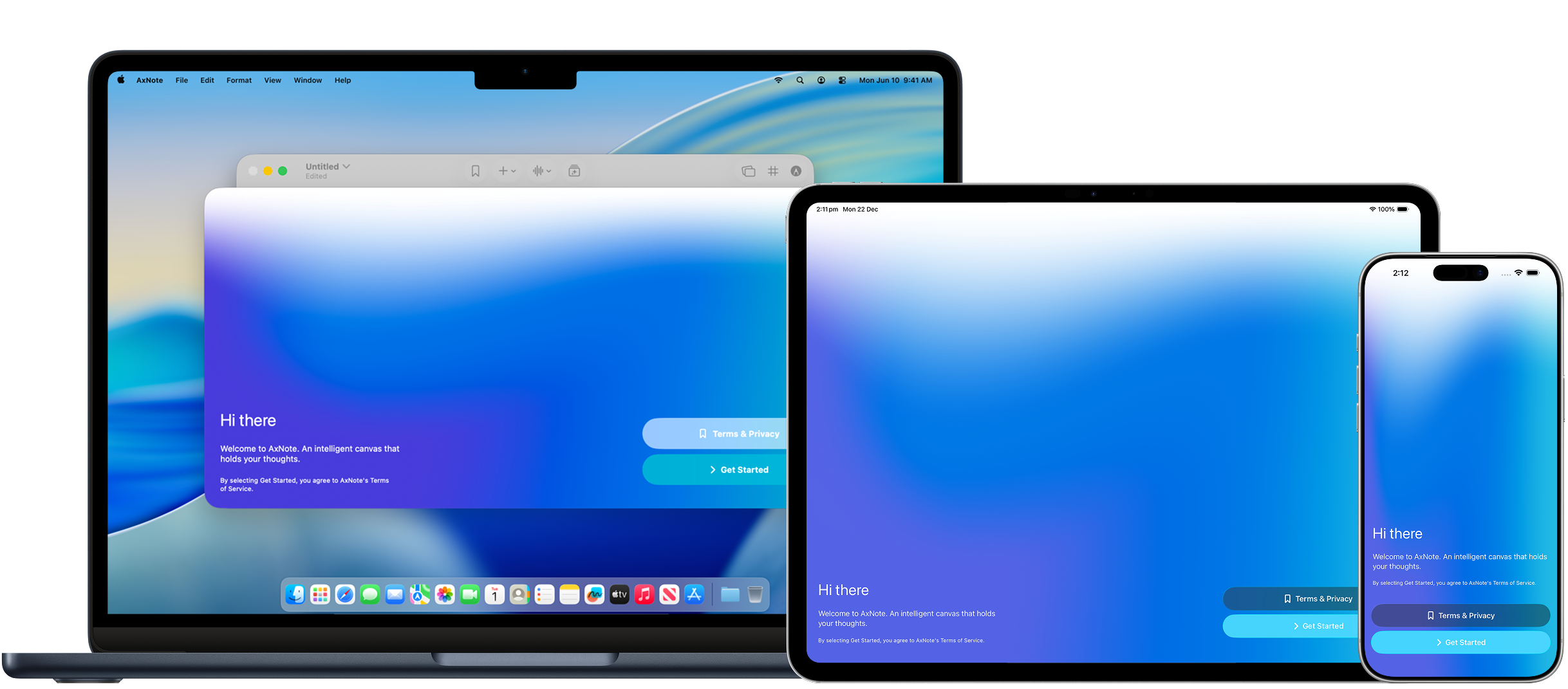 ## Getting started
Make the most out of the intelligent canvas.
Use Apple Pencil or your finger to draw, drag and drop objects onto the canvas
Use AI to create summary cards from your notes and audio recordings
Go from AxNote to Anki in a few taps
Turn your canvas into a PDF document or image
Add data tables and charts alongside your ink, images, and text
## Legal
Read AxNote's Terms of Service and Privacy Policy.
Last updated: 23 December 2025
Last updated: 23 December 2025
## Getting started
Make the most out of the intelligent canvas.
Use Apple Pencil or your finger to draw, drag and drop objects onto the canvas
Use AI to create summary cards from your notes and audio recordings
Go from AxNote to Anki in a few taps
Turn your canvas into a PDF document or image
Add data tables and charts alongside your ink, images, and text
## Legal
Read AxNote's Terms of Service and Privacy Policy.
Last updated: 23 December 2025
Last updated: 23 December 2025